For UK driving instructors
Teach more. Type less.
The all-in-one instructor app that does the admin for you. Talk through a debrief and it writes it up. Tap once and your pupil sees you on the way. Diary, pupils and money, on your phone, your wrist, your car and your laptop.
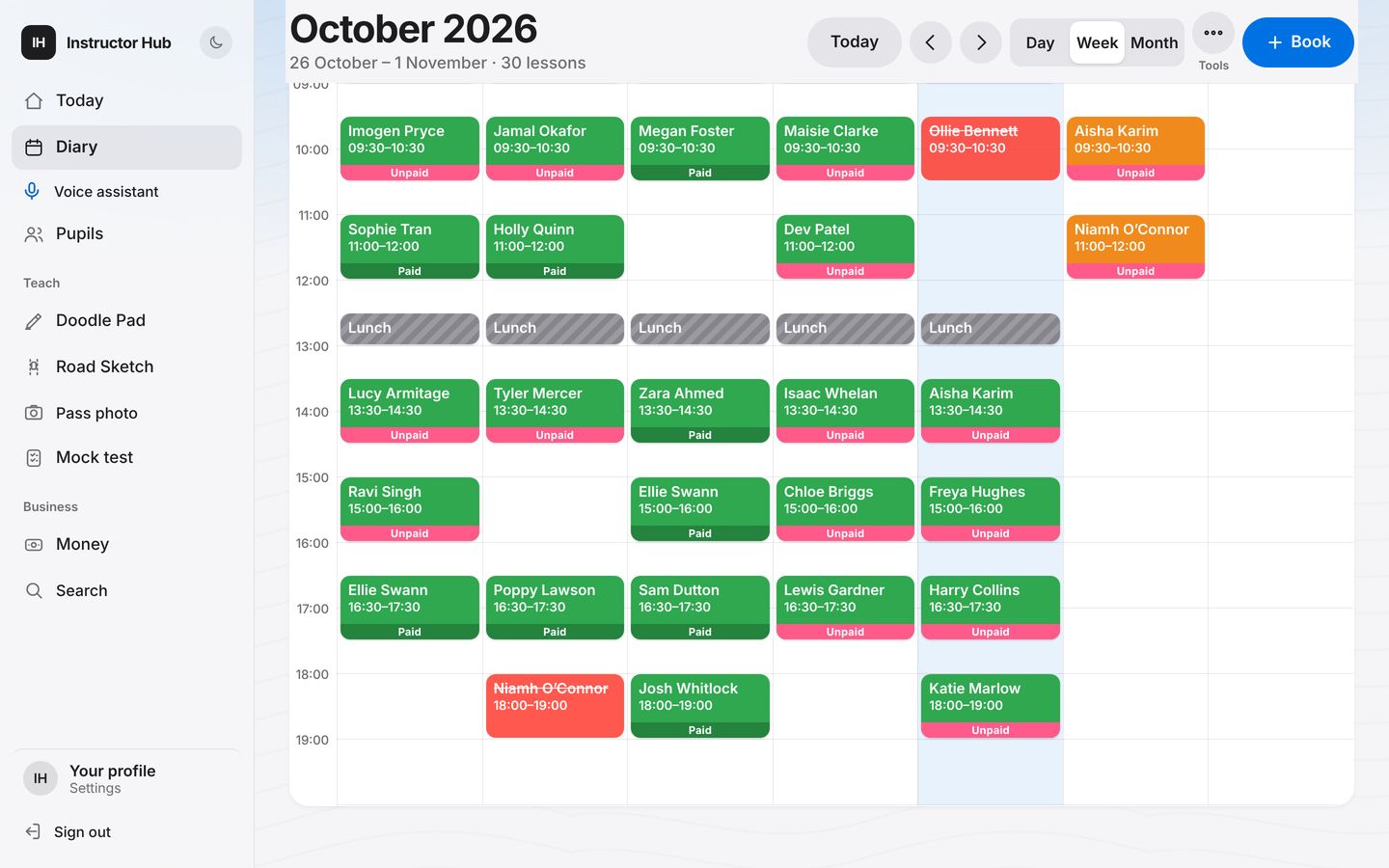
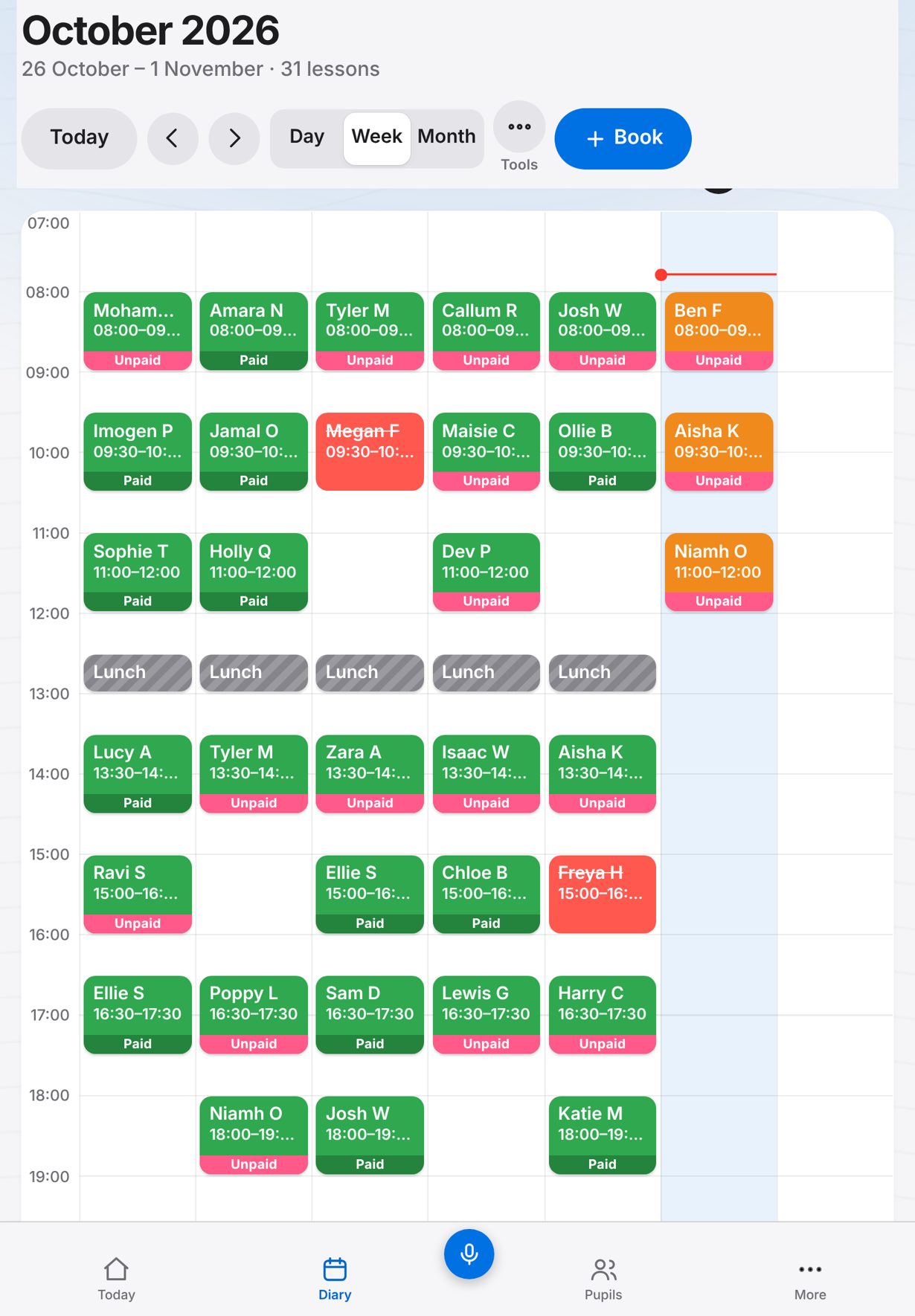
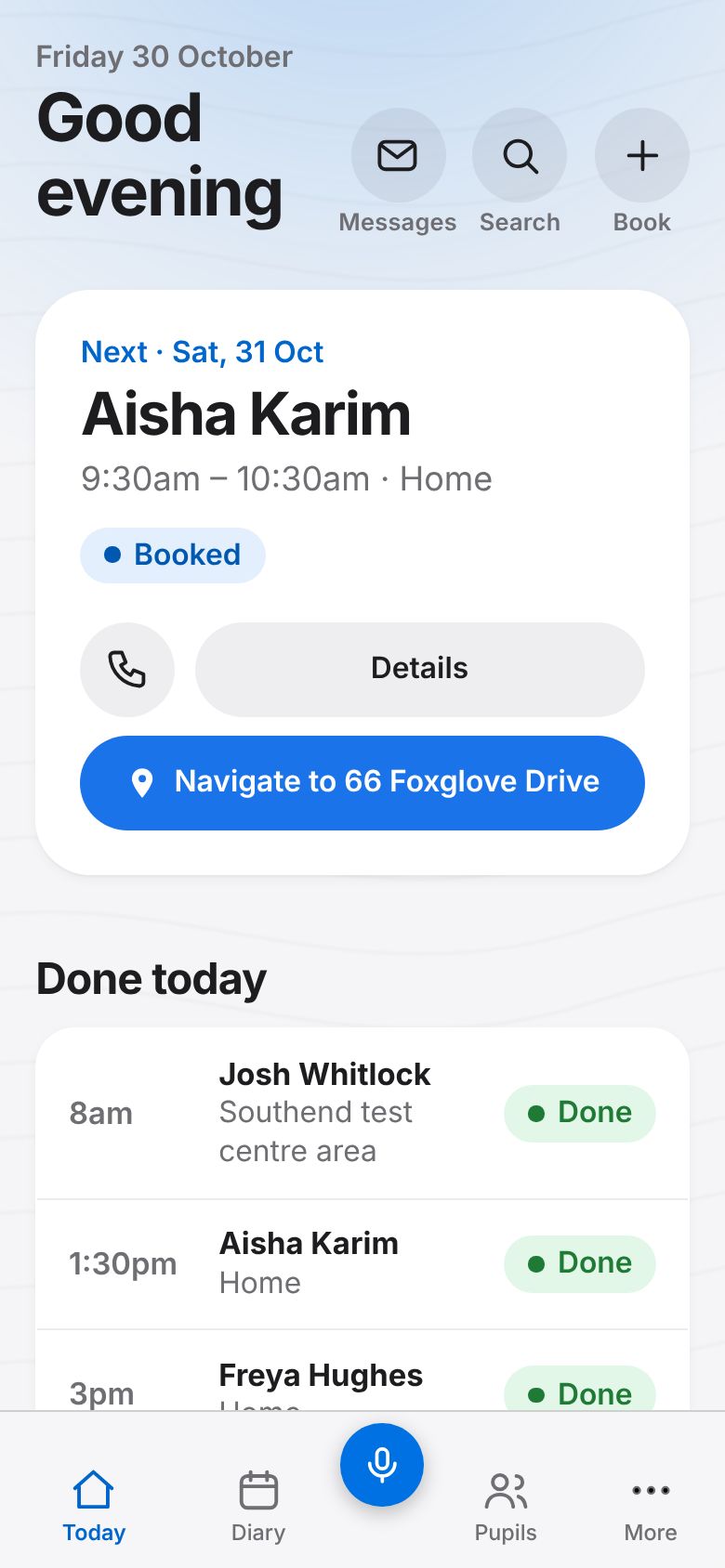
One account on every screen. Shown with made-up pupils.
One simple plan
£12 a month. Everything included.
The leading app charges from £18 to £26 a month depending on which features you want. Ours is £12 including VAT for the whole app, with all the AI.
Monthly prices for one instructor, as shown on each company’s website (Total Drive’s include VAT; MyDriveTime’s site doesn’t say), checked 30 October 2026. Sources.
New · iPhone, Apple Watch and CarPlay
Your diary goes where you go.
Glance at your wrist for the next pupil. See today’s lessons on the car’s screen. Tell a pupil you are on the way without touching your phone.
Instructor Hub for Apple Watch
- Next lesson, today, the week and free time
- Call your pupil or send On the way from your wrist
- Ask the voice assistant: “When am I free on Thursday?”
- Your next lesson on the watch face
Works with CarPlay
- Today’s lessons on the car’s screen
- One tap to call, send On the way or get directions
- Big targets, built for a parked car
Needs iPhone. Apple Watch and CarPlay screens are shown with made-up pupils.
On the way
No more “where are you?”
Tap On the way as you set off. Your pupil gets a notification with an arrival time worked out from how far away you are, and it keeps updating as you drive. When you are close, they see you on the map.
- A live map appears once you are within 2 miles
- Fully automatic if you like: it starts itself 15 minutes before a lesson
- Stops when you pull up, and your position is deleted
- The map never shows where you set off from

AI that saves you time
AI that does the typing for you.
We couldn’t find any AI features on Total Drive’s or MyDriveTime’s websites (checked 30 October 2026). Instructor Hub has 9, all included in the one plan at £12 a month including VAT, and you check every one before anything is saved or sent.
Debriefs written for you AI
Record the chat at the end of a lesson. You get a clear debrief: what went well, what to work on, what is next. It goes to the pupil’s log and their app.
Voice assistant AI
“Add a lesson for Sam, 2 hours next Sunday at 12.” “Ollie paid £120.” It shows a card to confirm, then does it. On your phone and Apple Watch.
Mock test sheet scan AI
Photograph a paper DL25 marking sheet. The faults are read and filled in on the digital sheet for you.
Pass photos, privacy-ready AI
Snap the pass photo and number plates and the licence and certificate numbers are blurred, ready to post.
Know what to teach next AI
Suggested goals for the next lesson from the pupil’s log, plus a one-tap briefing before you pull up outside.
Move over in minutes AI
Bring your pupils from your old app from a file, from photos of its screens, or by just saying their names and numbers.
On your laptop too
The whole app, on a big screen.
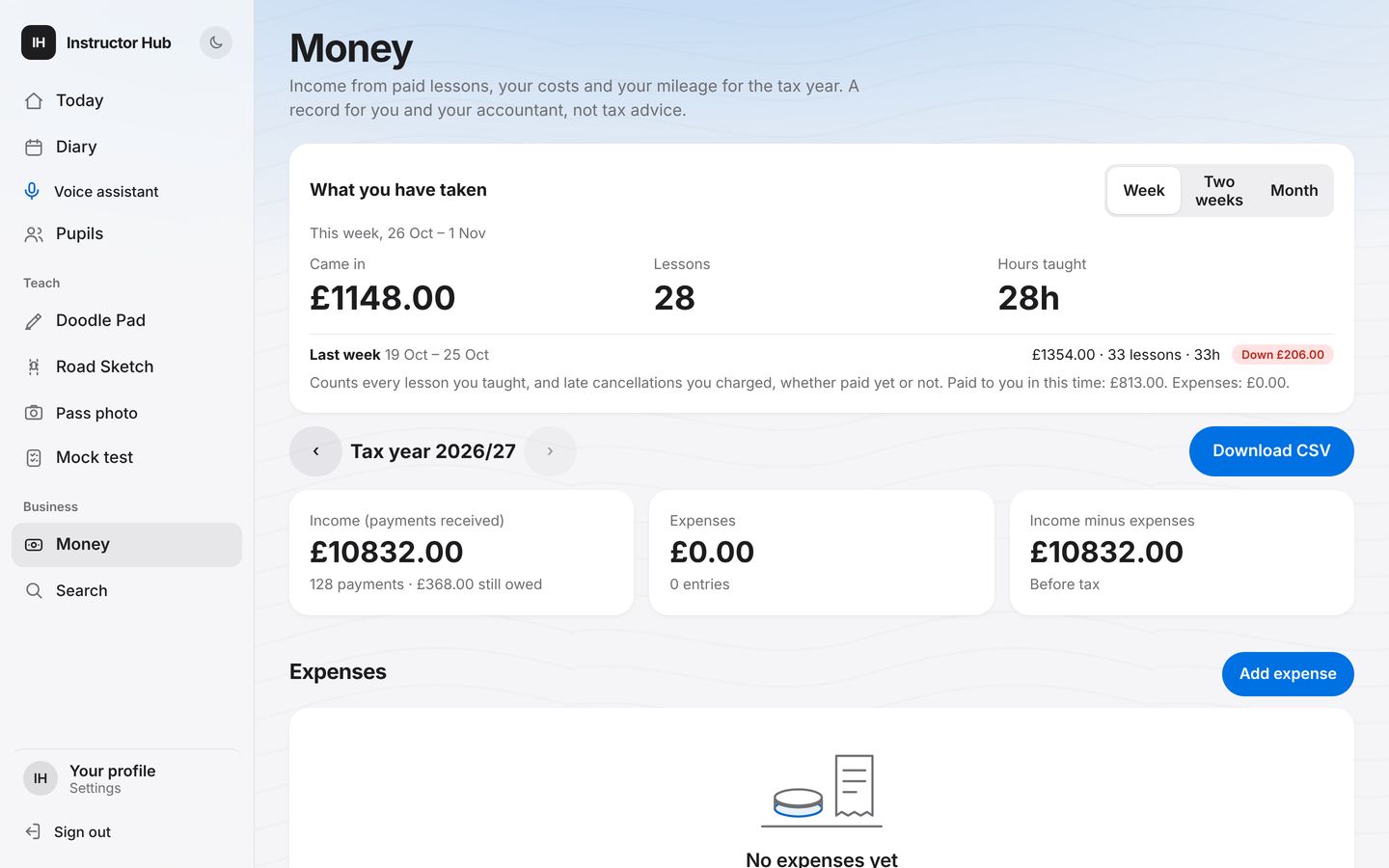
Do the week’s admin in the evening on your laptop or iPad, in any web browser. It is the same account, so a lesson you book at the kitchen table is on your phone in the car the next morning.
- A full week view: click any gap to book it
- Money by tax year, expenses, mileage and a pack for your accountant
- Every pupil, every log, every payment
- Nothing to install: just sign in
Everything an instructor needs
All the basics, done properly.
Large buttons and plain words, easy to use in a car park.
A diary that finds your gaps
Day, week and month views. Free time worked out for you, with travel time either side. Offer gaps to pupils in one go.
Every pupil at a glance
Progress against the DVSA syllabus, reflection logs, test dates, and hours left on their block.
Who has paid
Blocks, single lessons, owed and in credit. Late cancellations charged by your rules. Pupils pay you, never us.
Teaching aids
Road Sketch on a real satellite map, a scene board, lesson plans and demos.
Ready for the 2026 test rules
Test dates, the last day to move a test, and a clash warning when pupils book their own tests.
Works with no signal
Today’s lessons, pupils and numbers keep working in a dead spot, and back up when the signal returns.
Free pupil app
Fewer messages. Happier pupils.
Pupils get their own app, My Driving Lessons, free. Or they open it from a private link: no download, no password.
- Free lesson reminders they confirm with one tap
- Confirm, cancel or book your free slots
- See you on the way, live
- Progress, debriefs, theory practice and the Highway Code
- Message you, with photos


Your data, always yours
Download everything. Any time. One tap.
Some apps make it hard to get your own records back when you leave. Instructor Hub gives you everything, whenever you want it, in one spreadsheet that opens in Excel, Numbers or Google Sheets.
- Pupils, with contact details, balances and hours left
- Every lesson, past and booked
- Payments, expenses and mileage
- Progress, reflection logs and notes
- No forms to fill in, no waiting, no fee
Switching from Total Drive or another app?
Bring everything over in minutes.
The import tool reads your old app’s file, photos of its screens, or your voice, and sorts out names, numbers, addresses and hours. You check it all before anything is saved.
Start your free month
Just an email and a password. No card.
Import your pupils
Upload a file, snap your old app’s screens, or read your pupils out loud.
Send pupils their link
They tap it and see their lessons. Nothing to install unless they want the app.
Try everything free for a month.
No card, no catch. If it is not for you, just stop, and download all your data in one tap before you go.